
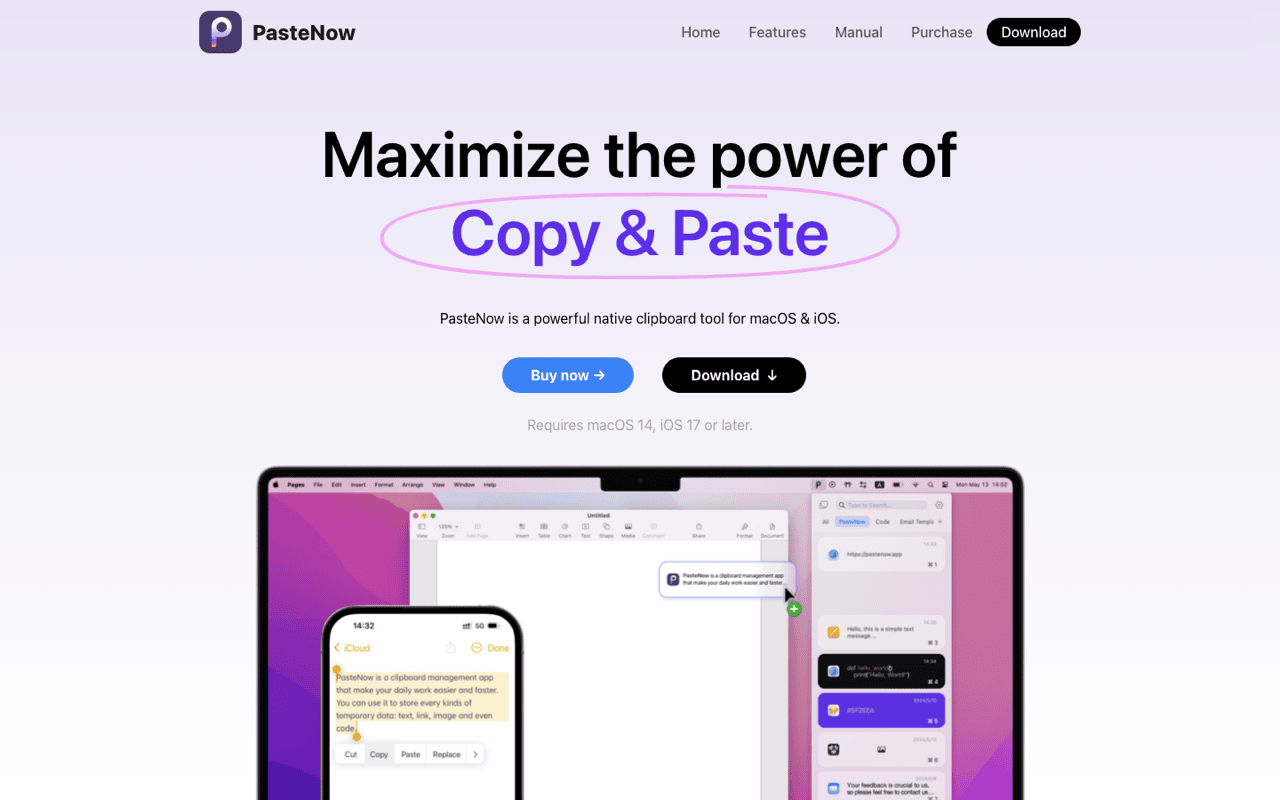
PasteNow is a list app, not a board
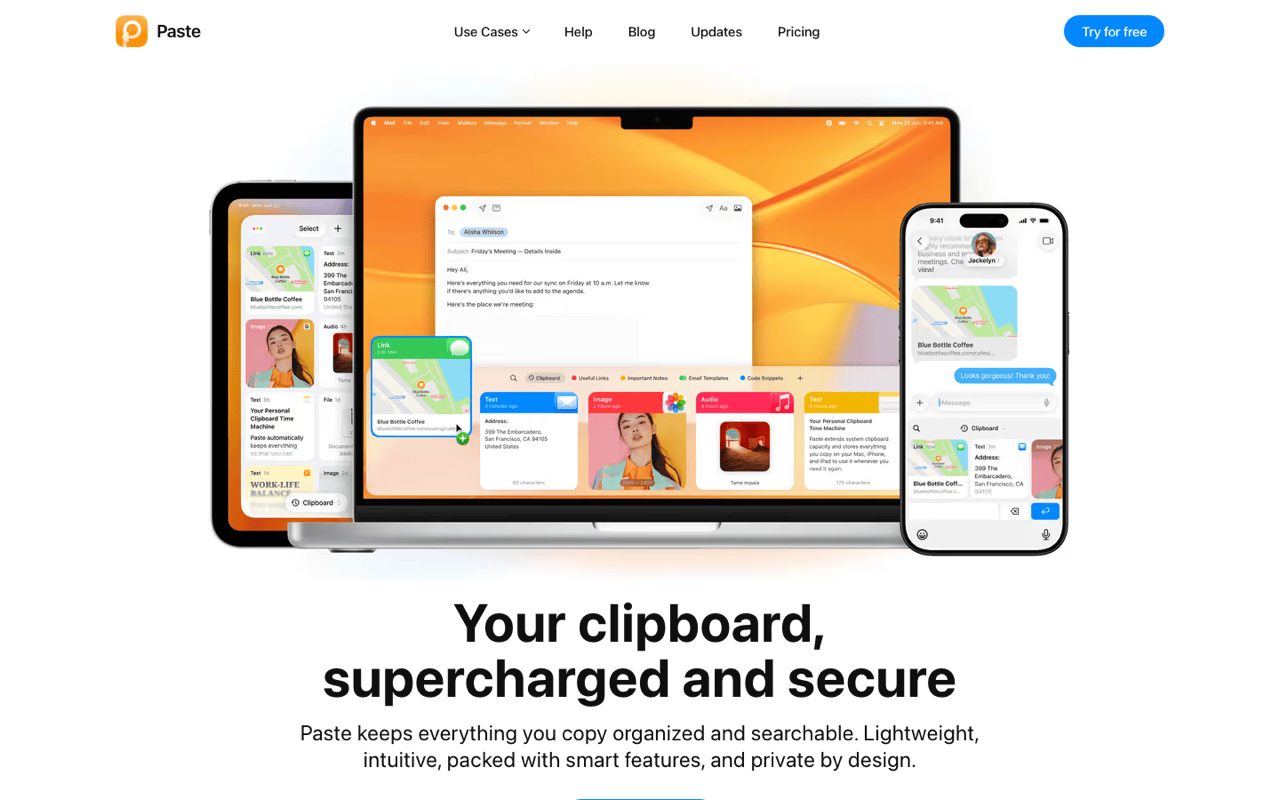
Most round-ups file PasteNow with the visual shelf apps. Their own feature headings say otherwise: Drag and Drop, iCloud Sync, Full Keyboard Control, Organized with Smart List, Exclusion Rules, Preview and Edit. The App Store listing adds three list display styles and iOS keyboard extensions. The canvas-and-shelf category belongs to Paste, Droppy, Villson and FlowShelf. PasteNow keeps lists, with Smart Lists sorting them.
The video shows a queue of clips going out one keypress at a time. What it cannot show is the part that changed my own habits: an after-paste key. Set it to Tab and the cursor moves to the next form field by itself, so a five-field form is five presses of one shortcut.
Drag-out works too, into Figma or Notion, one item at a time. Both apps can drag. Only one of them can count.
Sync is the reason people buy it, and it earns the money. Copy on the Mac, paste on the phone, from an iOS keyboard extension rather than a share sheet. Move addresses or tracking numbers between a laptop and a phone all day and $7.99 pays back in a week.
The trade is that your clipboard history lives in iCloud. Most clips are harmless. Some are tokens, one-time codes and password-manager copies. PasteNow ships exclusion rules for exactly that, and they work, but the default posture is a synced record of what you copied. Decide how you feel about that before you buy.
Price and platform, checked on their own pages: the Mac app is free to download, and PasteNow Pro is a one-time $7.99 in-app purchase with no subscription. The site sells a licence separately, with a 14-day trial and five devices per user. You need macOS 14.6 or later and iOS or iPadOS 17.6 or later. The build is 8 MB, version 2.31, from Hangzhou Tulading Technology. It is one of the cheapest paid clipboard managers on the store, and it is quick. Nothing here argues that it is bad software.
Where the list stops
Nothing happens to a clip on the way out. PasteNow stores, organises and hands back what you copied, unchanged. Case conversion, JSON formatting, colour conversion, invisible-character cleanup: none of that is part of the paste. You paste, then you fix the text in the destination app.
No text search inside images. Screenshots are stored as pictures. Finding the one containing the word "invoice" means scrolling until you recognise it.
No ordered sequential paste. PasteNow's multi-item answer is dragging several rows out at once. Filling five fields in order, one keypress each, is a different motion, and the app does not claim it.
What Klipto does with the extra $12
Hold, pick, release. The hold-to-paste popup opens while you hold ⌥⌘V. Press a number or an arrow, let go, and it pastes. No window to arrange, nothing to drag, nothing to close afterwards.
Paste several clips in order. The Stack holds a queue and gives the items back in the sequence you collected them, one keypress each, crossing off what it has used. This is the widest gap between the two apps.
Reshape text as it lands. Klipto reads what you copied and offers only the actions that fit it. There are 22 content types: plain text, rich text, code, JSON, HTML, CSS, passwords, numbers, payment cards, phone numbers, encoded strings, images, documents, spreadsheets, links, emails, colours, video, audio, files, folders and Figma content. Copy user profile settings and one chip returns userProfileSettings. Copy minified JSON and it pretty-prints before it lands. Copy #4A90D9 and you get RGB, HSL, SwiftUI or Tailwind. Paste from ChatGPT and the Anti-LLM cleanup takes out em dashes, smart quotes and invisible Unicode in the same keystroke. Twenty-plus of these run offline and system-wide, with no browser tab in the middle.
Search the text inside screenshots. OCR search reads words printed in images, so a screenshot of an invoice is findable by its number. Paste added image text search too, so this is not unique. PasteNow does not offer it.
Keep everything, locally. Unlimited local history with search, plus snippets and folders for text you reuse. No account, no cloud. It still touches the network for one thing only: updates. The download is about 5 MB, universal on Apple Silicon and Intel.
Side by side
| Klipto | PasteNow | |
|---|---|---|
| Platforms | macOS 14+ | macOS 14.6+, iOS and iPadOS 17.6+ |
| Price | Free tier, then $19.99 one-time | Free, then $7.99 one-time Pro |
| Subscription | Never | None |
| iCloud sync and iPhone app | No, by design | Yes |
| Where history lives | On-device only | On-device and iCloud |
| Main interaction | Keyboard popup on ⌥⌘V | Drag-and-drop lists, three styles |
| Ordered multi-paste with after-paste keys | Yes | No |
| Drag a batch into Figma or Notion | Yes | Yes |
| Transforms applied on paste | 20+, across 22 detected types | No |
| OCR search inside screenshots | Yes | No |
| Snippets and folders | Yes | Smart Lists |
| Excluding sensitive copies | Password-manager setting | Exclusion rules |
| Macs per licence | Unlimited | 5 devices |
| App size | ~5 MB | 8 MB |
Which one to buy
Buy PasteNow if you copy on one Apple device and paste on another. It is also the pick if you enjoy arranging clips into lists, and iCloud holding your clipboard does not bother you.
Buy Klipto if you work on a Mac keyboard and reformat what you paste most days. Also if you fill forms and tables from a queue, or want the text inside screenshots searchable.
Klipto costs more, and I am not going to apologise for it. $19.99 once against $7.99 once. The gap buys the transform engine, the ordered Stack, OCR search and 22-type detection, not more storage. If you never reformat a paste and never fill a form from a queue, PasteNow is the better value. In the other direction, Paste charges $29.99 a year, so Klipto's one-time price undercuts a single year of it.
There is no import. History does not move between the two apps in either direction. Run both for a week if you cannot decide. Klipto's 14-day Pro trial covers precisely that, and nothing is deleted when it ends.
Try Klipto free
Klipto's free tier does not expire: the popup shows your five most recent clips with paste, forever, no card and no account. It keeps recording everything to the local database while you are on Free, so a licence reveals the history already collected.
The 14-day Pro trial unlocks everything from first launch, with a 30-day money-back guarantee. One licence covers all your Macs. Download Klipto, macOS 14 or later, about 5 MB, $19.99 one-time.