
What your clipboard is holding right now
Scroll back through your last twenty copies. Most of it is dull. A URL, an address, a line of CSS. Mixed into it are things you would never type into a note: a password out of a manager, a 2FA code, a card number, a bearer token. Apple ships the warning itself, on its macOS 26 Spotlight clipboard history page: "Sensitive information may appear on the Clipboard."
The mechanism was never built for secrets. ctrl.blog's write-up dates the clipboard to 1973 and documents how differently each operating system guards it. On macOS, any running app can read the pasteboard whenever it wants, with no prompt. iOS 14 made that visible. Pasteboard notifications, prompted by Mysk's research, caught TikTok and 53 other apps reading clipboard contents for no reason.
History changes the shape of the risk. A buffer that held one secret for four seconds becomes a searchable log that keeps it until something deletes it. Firefox 94 and ESR 91.3 stopped handing password-field and private-browsing copies to OS clipboard history and cloud sync, tracked as CVE-2021-38505.
Everything in that window is one local database file inside the app's own container on your Mac. No account is attached to any of it, and no server has a copy.
Free Klipto keeps writing to that database while the popup shows five clips, so a licence bought later reveals what was already collected.
Cloud sync: the gain, and what changes
The gain is real. Copy a verification code on the Mac, paste it on the phone. One history across two Macs. It is the most requested clipboard feature for a reason.
What changes is the number of copies. Your clipboard log now lives in two places, and the second one opens with a password instead of physical access to your desk. An account takeover now exposes a record of what you copied, alongside your files.
Ask every syncing vendor one question
Get it in writing: is the synced clipboard end-to-end encrypted? Buyers rarely ask, and the marketing page rarely says.
Three documented facts make it worth asking. ctrl.blog's per-operating-system matrix records that Windows Cloud Clipboard has no end-to-end encryption, so Microsoft can read synced contents. Apple's iCloud data security overview states that under Standard Data Protection, Apple stores your encryption keys in its own data centres. And Apple's Advanced Data Protection documentation says ADP covers third-party CloudKit fields only when the developer chooses to mark those fields as encrypted.
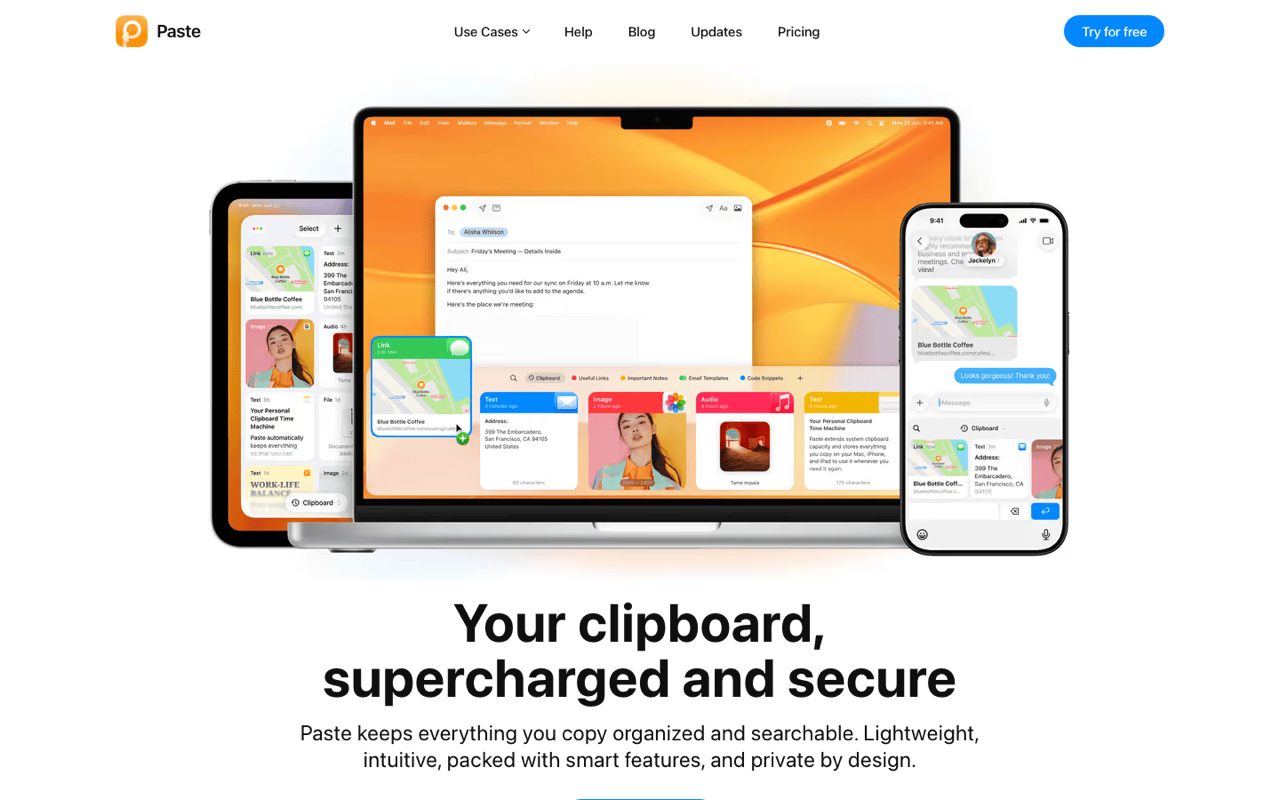
So "syncs via iCloud" describes where data sits. On its own it says nothing about who can decrypt it. Paste's privacy policy is a fair example of the genre: it says your data is stored in your personal iCloud and is not transferred to or stored on their servers. Accurate about location, and no end-to-end encryption claim either way. Ask, keep the answer, and switch on Advanced Data Protection while you are in there.
Local-only, including the parts I do not enjoy
Gains. Nothing in transit to intercept. No account to phish. No vendor breach that could include your clips. It all works with the network off.
Costs. No clips on your iPhone or iPad. No shared history on a second Mac. Wipe the machine and the history goes with it, unless a backup caught it. For plenty of readers that decides everything, and it should.
Local is not immunity. Malware running as your user reads the pasteboard freely. In June 2026, The Hacker News reported a Rust clipper campaign against Windows and macOS, with a Check Point sample carrying more than 15,500 attacker wallet addresses to swap in. Anyone holding your unlocked Mac can scroll the history, and your backups contain it.
The four things people call clipboard sync
| Local-only manager (Klipto) | iCloud-synced manager (Paste, PasteNow) | Universal Clipboard (Handoff) | macOS 26 Spotlight history | |
|---|---|---|---|---|
| Where clips live | Your Mac only | Your Mac and your iCloud account | Device to device, briefly | Your Mac only |
| Cross-device paste | No | Yes | Last item only | No |
| History kept | Unlimited, no expiry | Long | None, about 2 minutes | Timer: 8 hours default, 7 days maximum |
| Survives a reboot | Yes | Yes | Not applicable | Yes, only the timer removes items |
| End-to-end encrypted | No transfer to encrypt | Ask the vendor in writing | Yes | No transfer to encrypt |
| Account required | None | Apple ID | Apple ID | None |
| Works offline | Yes | Partly | No | Yes |
| Best for | Privacy-first work on one main Mac | Mac and iPhone workflows | A quick one-off handoff | Casual use, macOS 26 only |
Two rows get misreported constantly. Universal Clipboard is end-to-end encrypted and carries only your latest item for roughly two minutes, per ctrl.blog, so it is handoff rather than history. And the macOS 26 Spotlight history survives a restart: items copied before a reboot are still listed after it, and only the expiry timer clears them, 8 hours by default and 7 days at the outside. Full behaviour is in the built-in clipboard history comparison.
The third way: sync without a vendor
Self-hosted and peer-to-peer clipboard sync exists, and for a real slice of readers it is the right answer. ClipCascade and UniClipboard move clips between your own devices over your own network, end-to-end encrypted, no vendor account. You pay in setup and maintenance, and give up the polish of a paid Mac app.
How I would decide
Count the cross-device pastes you actually made. Check the last month rather than guessing. I have watched people pay for sync yearly and use it twice.
Then ask what your clipboard carries. Credentials, keys, client data under a processing agreement: the second copy becomes a policy question, not a preference.
Then ask whether you need history or handoff. For one item between your own Apple devices, Universal Clipboard already does it, encrypted, storing nothing.
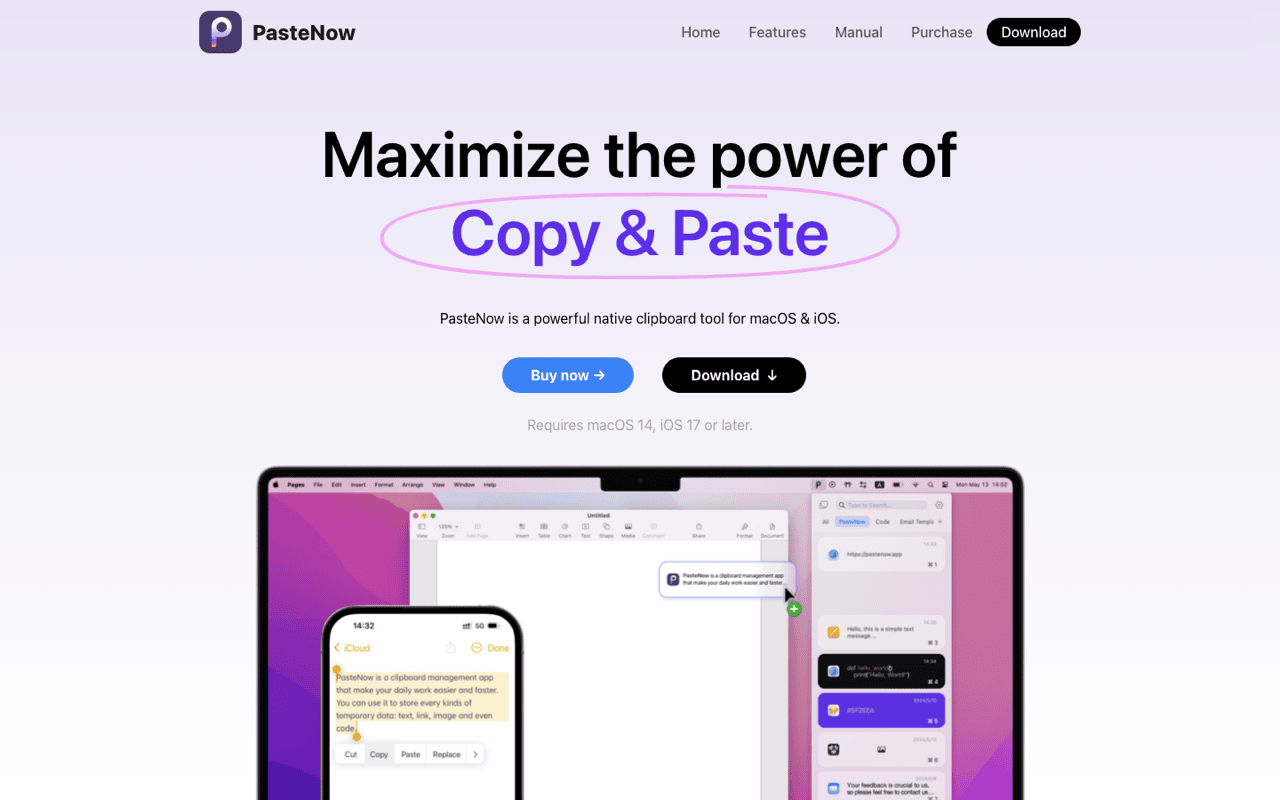
Concrete paths. Visual board with sync: Paste. Cheapest sync: PasteNow.
Where Klipto sits
Klipto keeps everything in a local database on your Mac. No account, no sync, nothing uploaded. The app reaches the network for one purpose, checking for updates, and that check is a toggle. Licence activation is an offline signed key, so it never phones home. Klipto began on an open-source core and has gone its own way since, into transforms on paste, ordered multi-paste and OCR search.
Locally you get unlimited history with search, a hold-to-paste popup on ⌥⌘V, and detection of 22 content types, so passwords, payment cards and tokens are recognised for what they are. Settings → General can exclude password-manager copies. It is available rather than the default, so switch it on. Substantiation sits on the privacy page.
The honest part: Klipto will never put your clipboard on your iPhone. If that is a dealbreaker, buy Paste or PasteNow. The Paste comparison shows how they differ.
Hygiene that works either way
Use AutoFill instead of copying passwords. 1Password's own writing on the clipboard problem sets out the reasoning: it prefers AutoFill and clears the clipboard 90 seconds after a copy. Bitwarden has the same setting.
Keep retention short when the work is sensitive. An item or age limit removes old secrets for you.
Clear the history before you share a screen. One button in Klipto, one in Spotlight on macOS 26. And leave sync off unless end-to-end encryption is stated in writing.
Try Klipto free
The free tier does not expire: five most recent clips in the popup, with paste, no card, no account. A 14-day Pro trial opens everything from first launch, there is a 30-day money-back guarantee, and one licence covers all your Macs.
Download Klipto, macOS 14 or later, about 5 MB, $19.99 one-time.