
Rectangle is the first thing I install on any Mac. That does not make it the right answer for everyone.
Rectangle is the first thing I install on any Mac, before a browser, before an editor. It is free, open source, and it does one job with a keyboard shortcut. That does not make it the right pick for everyone, so here is where Moom and Raycast fit, and where macOS now covers the basics on its own.
What macOS does without any app
macOS Sequoia added window tiling. Drag a window to a screen edge and it snaps to a half, or open the Window menu and use the Move & Resize commands, which list their own shortcuts next to each entry. Halves, quarters and fill are all there.
It stops early. There are no thirds, which is the layout most people on a wide display actually want. There is no way to save an arrangement and bring it back. The drag targets are also easy to trigger by accident when you meant to move a window near the top of the screen.
Rectangle, free and open source
Rectangle does keyboard window snapping and nothing else. Halves, thirds, quarters, maximise, centre, move to the next display, each on a shortcut you set once. Drag-to-edge snap areas are built in too, if you prefer the mouse. It idles at zero CPU, because it does nothing at all until you press a key.
It is MIT licensed on GitHub, and brew install --cask rectangle puts it on a new machine in one line. Apple should buy it and ship it. Until then it takes about a minute to set up and then leaves you alone for years.
A keyboard-first utility opening over whatever app has focus, then closing again without a click. Same interaction model as a window snapper: a shortcut, an action, no window to manage.
Accessibility permission is the shared cost of this category on macOS. Anything that moves or reads another app's windows has to ask for it, including every tool on this page.
The honest limitation: the free version has fixed positions. It will not save a named layout of six windows and put them back after you undock. For app-specific rules and custom grids, the same developer sells Rectangle Pro, which is a separate paid app.
Moom, saved layouts
Moom, from Many Tricks, is the layout tool of the three. Hover the green zoom button and a small grid appears. From there you resize to any cell with the mouse. Its real feature is saved arrangements: capture a window layout, give it a shortcut, and restore it later. It can reapply a layout automatically when a display is connected or disconnected, which is the pain point for anyone who docks a laptop twice a day.
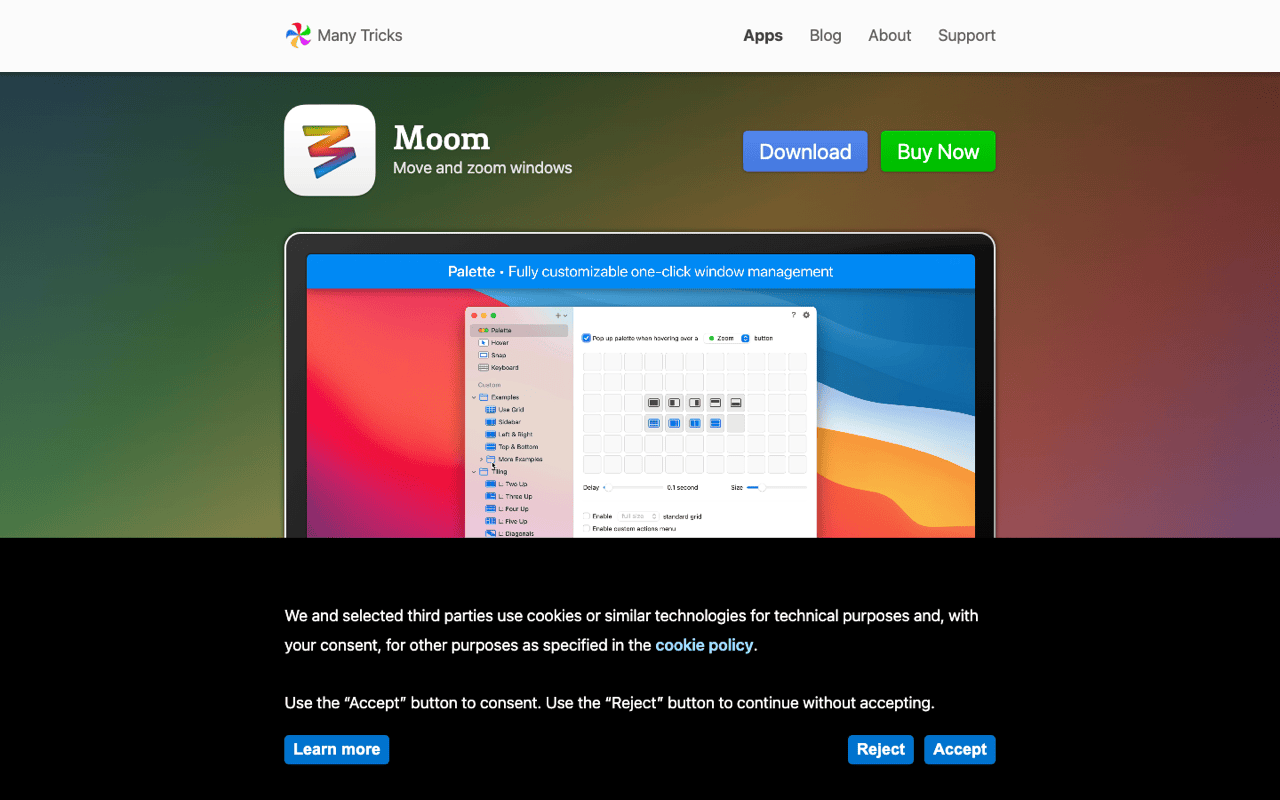
It is a paid app with a one-time licence, sold direct and through the Mac App Store, with a trial available. I am not quoting a figure, because Many Tricks changes it and a stale price is worse than none.
Two honest things. I have not run Moom day to day, so treat everything above as a description of what it does rather than a recommendation from use. And its entry point leans on the mouse and the green button, which is a mismatch if you never take your hands off the keyboard.
Raycast: window management inside the launcher
Raycast replaced Spotlight for me, and then absorbed half of my menu bar. Window management ships as built-in commands. Left half, right half, maximise, thirds and centre are all searchable, and each takes a global hotkey. If Raycast is already running as your launcher, you get snapping for no extra process and no extra install.
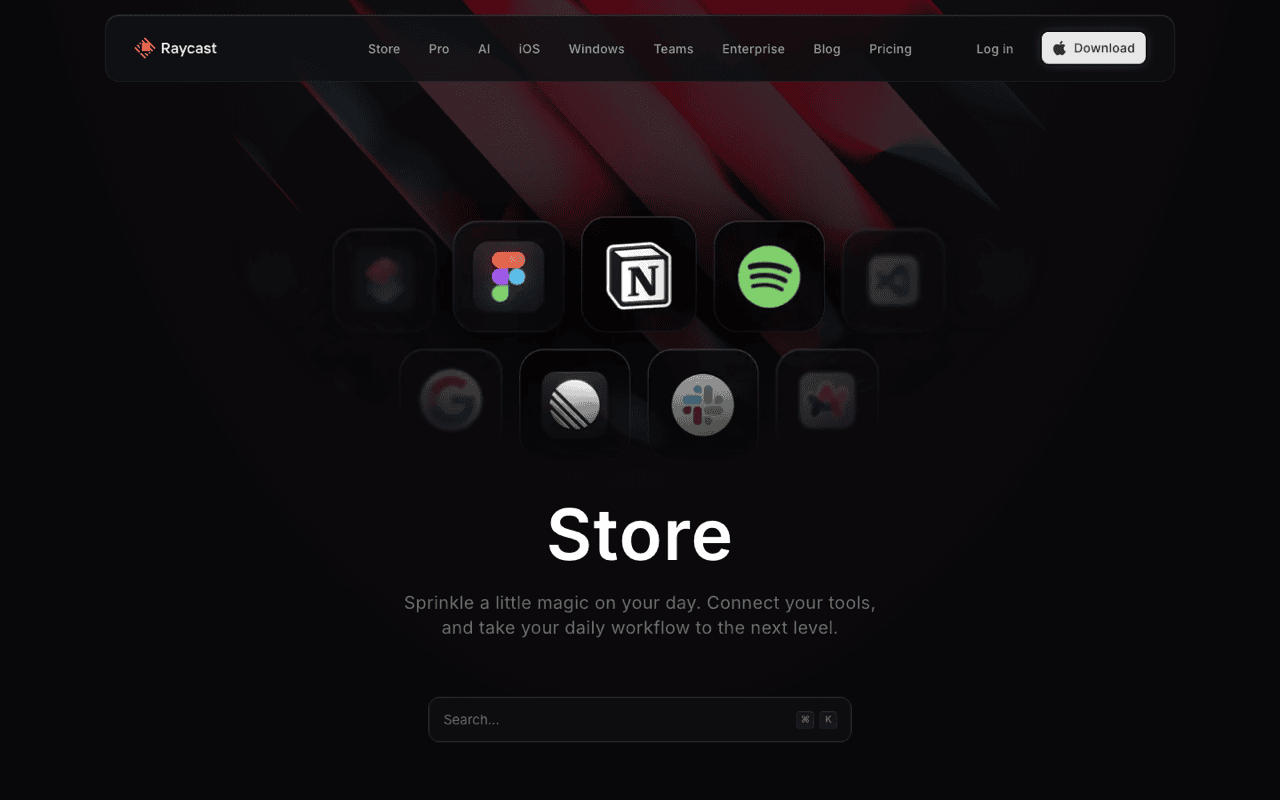
The extension store is where it gets interesting, and it is why the app spread across my machine rather than staying a search box. Clipboard history, snippets, calculator, Homebrew search, process killing, colour picking, all in the same window.
The honest limitation: the core app is not open source, and window management is one feature among hundreds. If snapping is genuinely all you want, running a full launcher for it is more app than the job needs. Raycast also gates some things behind a paid Pro tier, so check what is free before you build a workflow on it.
Where all three are the wrong answer
If you want a real tiling window manager, none of these is it. Amethyst and AeroSpace are free and open source, and they arrange every window automatically instead of waiting for a shortcut. yabai goes further, at the cost of partly disabling System Integrity Protection, which I would not do on a work machine.
The other case is a single 13 inch laptop screen. Two windows fit, macOS tiling handles two windows, and installing anything is time you will not get back. Window managers pay off on a large display or across two of them, and their value scales with how many windows you keep open at once.
My own setup is the boring one. Rectangle for snapping, because it is free and never in the way. Raycast for everything else, because it collapsed six utilities into one shortcut.