
What Maccy does well
It is free, and the $9.99 is not a price. The GitHub release and the Homebrew formula are the identical app for nothing, MIT-licensed. The $9.99 Mac App Store listing exists so people who want to fund the work can. Anyone telling you Maccy is paid software has not checked.
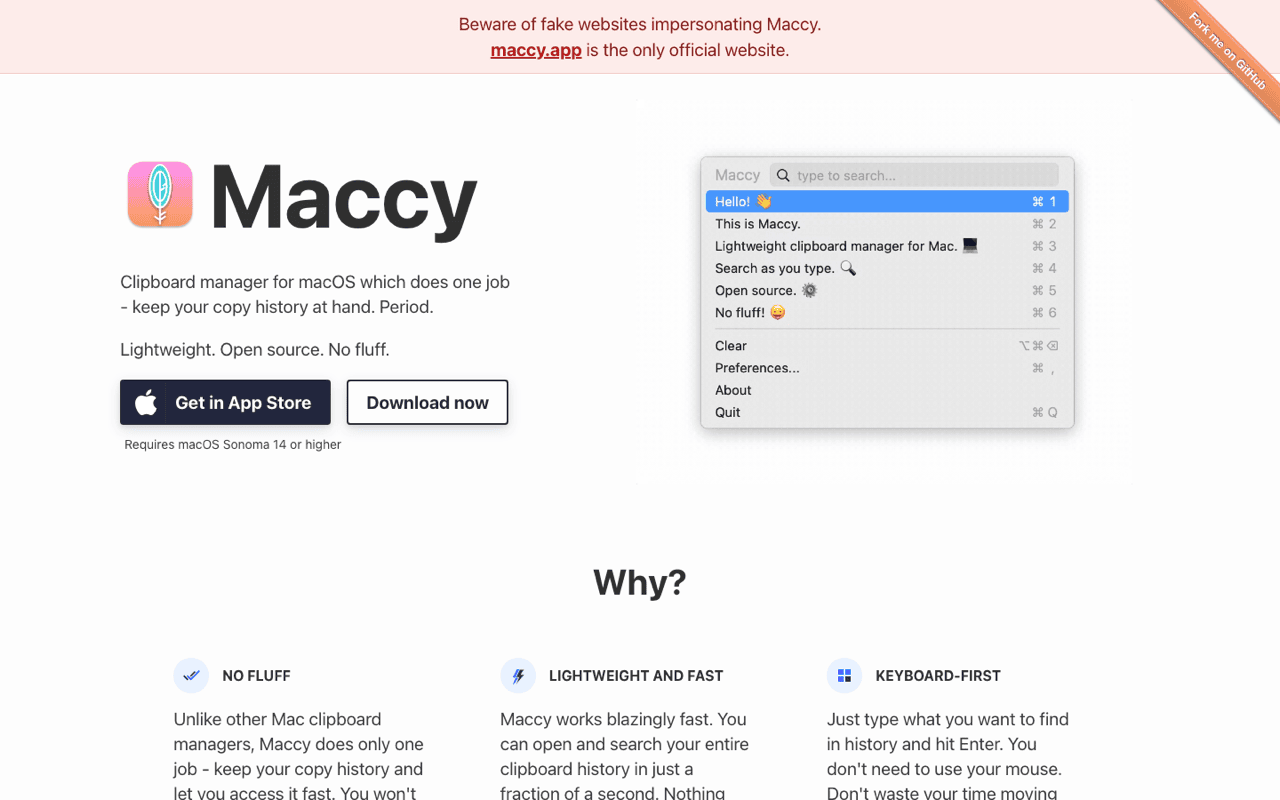
Search is the whole interface. Open the menu, type, press Enter. There are exact and fuzzy modes, and a pinned item gets its own shortcut with ⌥P, so the three strings you paste all day sit at fixed positions.
Images and files both work. The other claim I keep reading, that Maccy is text-only, is wrong too. Storage settings carry separate toggles for text, images and files.
It keeps secrets out. Maccy respects org.nspasteboard.ConcealedType, which keeps password-manager copies out of a clipboard database, plus a per-app ignore list and an ignore-regexp for what that standard misses.
One job, on purpose. The front page says so in its first line. That is why there is nothing to configure, and why the download is about 1.6 MB, smaller than Klipto's 5 MB on the same minimum macOS. Size and modern-macOS support are not arguments I get to make here.
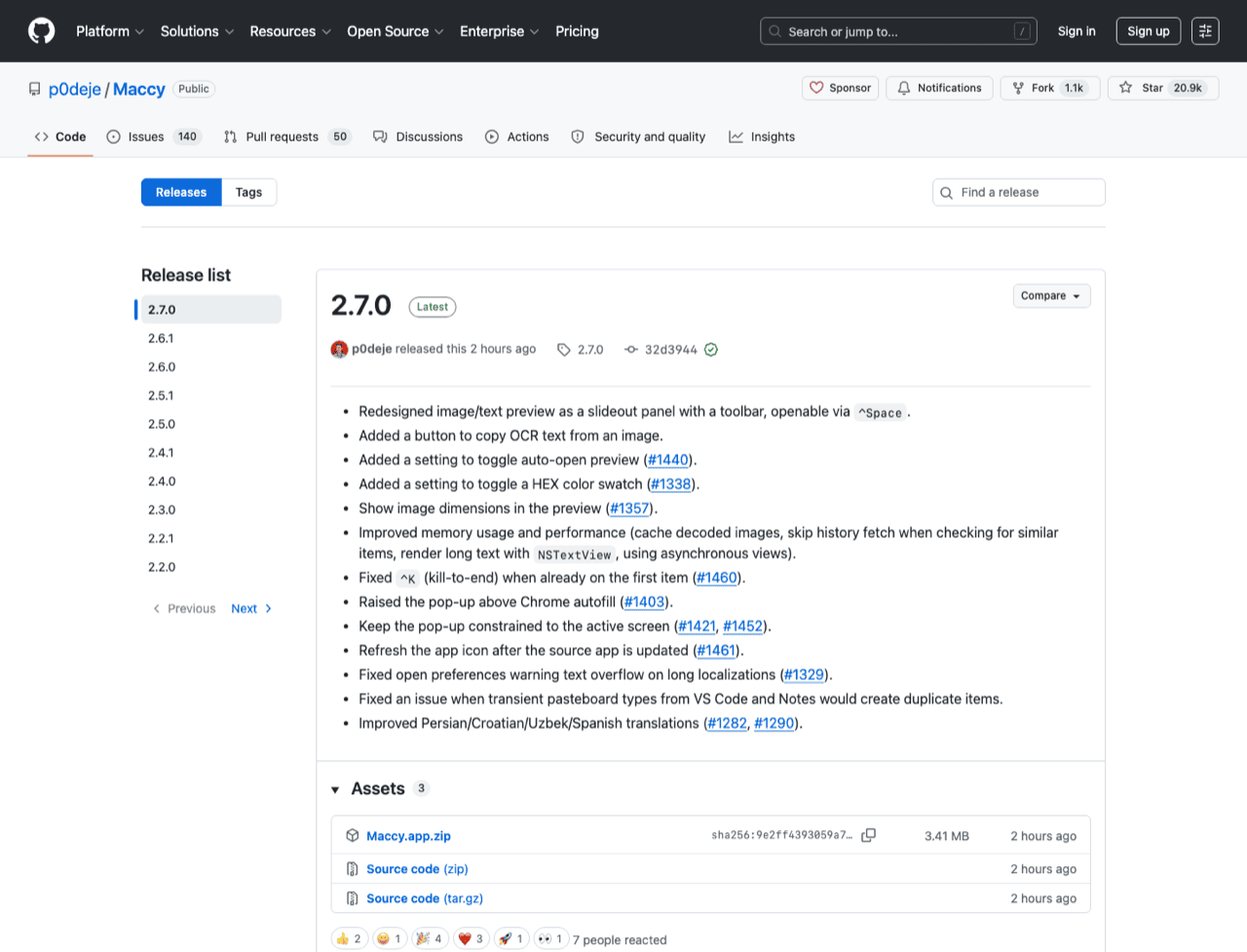
It is alive. Version 2.6.1 shipped on 27 November 2025, the repository was pushed on 25 July 2026, and 20,898 stars sit behind the work of Alex Rodionov. Klipto started from Maccy's open-source core and has gone its own way since, and the rest of this page is that distance.
One correction on the numbers. Maccy holds up to 999 items, with 200 as the default. Listicles calling its history unlimited have not opened the settings. The default covers days of ordinary copying, so the ceiling only bites if you paste for a living.
Where Klipto goes further
Every difference below is scope. Maccy answers "give me that thing again". Klipto is for the paste that needs work done first, eight pastes in a fixed order, or a word buried in a screenshot.
The chips change with the content. Copy a hex value and the colour conversions are already on screen. Copy a JWT and the decoder is. Detection runs first, so the panel never hands you twenty irrelevant buttons.
All of it runs on your Mac. No account, no upload, no daily quota, because there is no server on my side.
Hold-to-paste. Hold ⌥⌘V, pick an item, release the chord, it pastes. No Enter, no window left on screen. The popup is a different ergonomic bet from a menu you open and dismiss.
The Stack pastes in order. Copy five values, then paste them one after another, one shortcut each, in the order you collected them. The Stack can fire an after-paste action, Tab or Enter or a comma, so a form walks its own fields while you keep pressing one shortcut. An eight-field record from a spreadsheet becomes eight keypresses instead of eight trips. Designers get Collect: gather images and text, drag the group into Figma.
Transforms happen between ⌘C and ⌘V. A clipboard history has no equivalent, and this is the reason Klipto costs money. Anti-LLM cleanup pulls em dashes, curly quotes, invisible Unicode and stray markdown out of AI output. Colours convert between HEX, RGB, HSL, SwiftUI and Tailwind. JSON pretty-prints or minifies, a JWT or Base64 blob decodes, a URL unescapes. Case conversion covers camelCase, snake_case, kebab-case, CONSTANT_CASE, Title Case, slugs and transliteration. A live counter shows characters, words, lines and an approximate token count. All offline, in any app, with no browser tab in the middle.
OCR reads your screenshots. Copy a screenshot and the words inside it become searchable text. Find Tuesday's error message by typing three words of it, then paste it as text. Several paid managers do OCR now, so this one is not mine alone.
Then the plumbing. 22 content types recognised, from payment cards to Figma content. Snippets in folders with a Favorites folder, searchable by body text. A separate History window paging through the whole local database, filtered by date, source app and type.
| Maccy | Klipto | |
|---|---|---|
| Price | Free (MIT; $9.99 App Store is optional support) | Permanent free tier; $19.99 one-time |
| Source available | Yes, fully (MIT) | No |
| Download size | 1.6 MB | ~5 MB, no Electron |
| Minimum macOS | 14.0 Sonoma | 14.0 Sonoma (Apple Silicon and Intel) |
| History size | 999 maximum, 200 by default | Unlimited local, optional retention |
| Search | Exact and fuzzy | Plus OCR text inside images |
| Images and files | Yes | Yes |
| Local-only, no cloud | Yes | Yes |
| Pinned items with own shortcut | Yes (⌥P) | Snippets and folders |
| Hold-to-paste | No | Yes (⌥⌘V) |
| Paste several items in order | No | Yes, the Stack |
| After-paste action (Tab, Enter) | No | Yes |
| Transforms on paste | No | Yes, 20+, type-aware |
| Content-type detection | Text, images, files | 22 types |
| Drag a collected group into Figma | No | Yes, Collect |
| Cross-device sync | No | No |
| iOS app | No | No |
Stay on Maccy if
Your clipboard work is finding something you copied an hour ago. That is the job Maccy was built for, and the 200-item default covers it.
You want source you can read and compile. Maccy is MIT end to end. Klipto is closed, and no free tier changes that.
You want free with nothing above it, permanently, from a project maintained for years.
You want the smallest thing in your menu bar. 1.6 MB against 5 MB.
You do not want another surface to learn. Klipto has a popup, a Stack, a preview panel, snippet folders and a History window. For plenty of people that is more than the job needs.
Nothing here is broken. Muscle memory built over years outweighs any feature table.
What Klipto does not do
No sync and no iOS app. The clipboard never leaves your Mac, and the app touches the network only to check for updates. Maccy has no sync either, so this settles nothing in either direction.
No open source. Maccy is MIT. If auditable source is a requirement, that decides it for you.
Bigger. 5 MB to download, about 11 MB installed. Three times Maccy, with no Electron in it.
It costs money after the trial. Everything is open for 14 days from first launch, no card and no account. After that the free tier runs forever: the five most recent items in the popup, with paste. Pro is $19.99 once, with a 30-day money-back guarantee and updates included. One licence covers all your Macs, activation is offline with no device count. Free keeps recording your full history locally, so buying later reveals everything already collected. Pricing.
Running both while you decide
Two clipboard managers watching the same pasteboard corrupt nothing. They both record. Fix the hotkey collisions: Klipto's popup is ⌥⌘V by default, so change whichever of the two you use less in its own settings. There is no import tool, and Klipto starts its history at install.